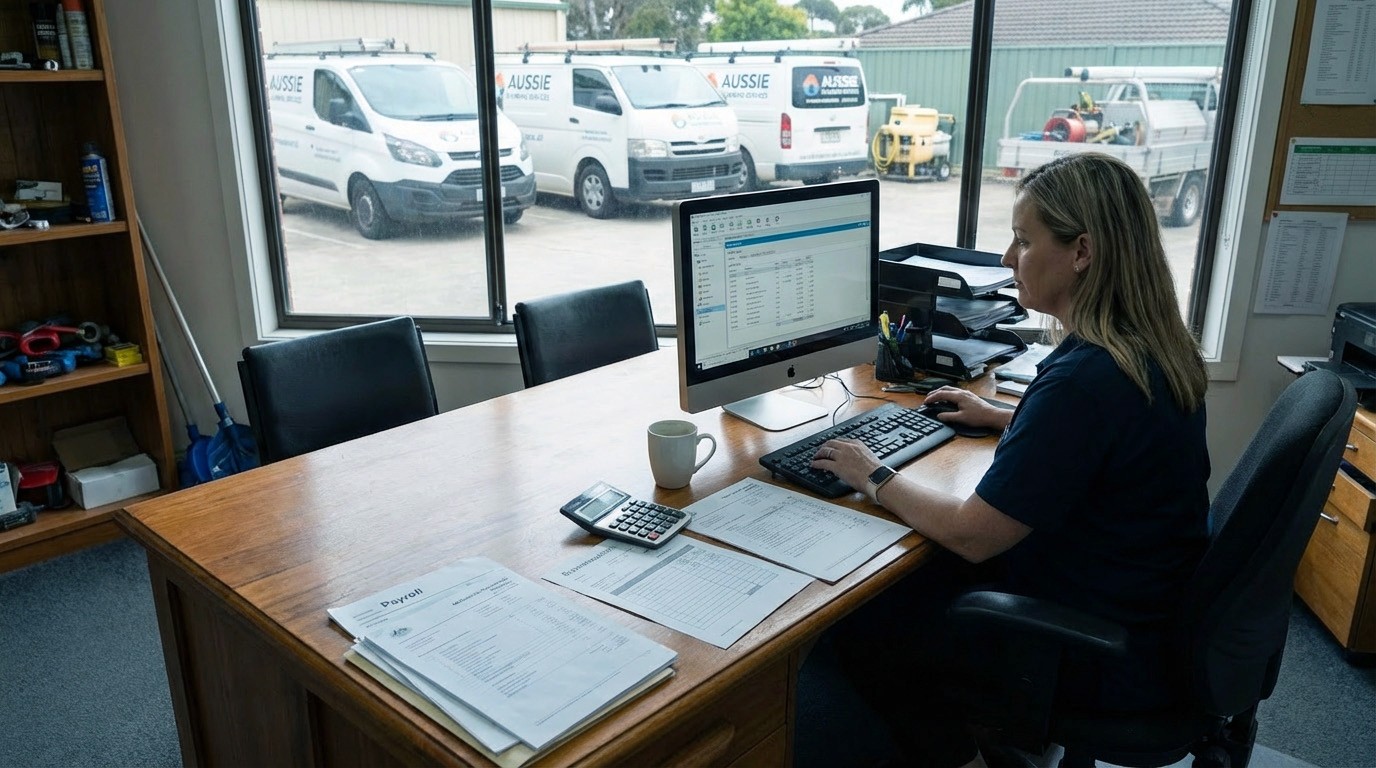
Single Touch Payroll, also known as STP, is a requirement for all employers, regardless of employee numbers, or whether the employees are also the business owners.
Rands Advisory Group can help you understand those requirements and implement a single-touch payroll solution for your business.
Under the STP system, each time you pay your employees, you will need to report the following information to the Australian Taxation Office (ATO):
Gross wages
Deductions and any other payments
PAYG withholding amounts
Superannuation information
If all payments are made through STP you will not have to issue PAYG Payment Summaries (formerly known as group certificates) at the end of the year. Your employees will be able to access this information from their myGov account or request the information from the ATO.
The ATO will pre-fill your activity statement labels W1 (Gross wages) and W2 (PAYG withholding) with the information received through the STP system, but you still need to lodge activity statements to report them.
Different Options for Single Touch Payroll Depending on How You Record Wages
Advice for implementing a single touch payroll solution for your business will depend on how you do or intend to record your payroll transactions. We recommend contacting Rands Advisory Group for specific guidance for your business. However, we have set some general guidelines that may be of assistance. You should only act on specific advice we give you.
If Your Business Does or Will Use Xero Payroll
Xero has STP in its payroll system. To turn the system on, you just need to do the following steps:
Click on the “Payroll” menu and select “Single Touch Payroll”
Click “Opt in” to start the setup process
Review the organisation details and ensure everything is correct. If anything needs to be updated, click “Update Organisation details”, otherwise click “Continue”
Xero will display your ABN and SSID, which you will need to advise to the ATO. You can do this by calling 1300 852 232
Select the checkbox to confirm you have contacted the ATO to connect to your Xero account, then click “Register”
Once STP has been turned on, you will need to submit each pay run you enter to the ATO, and this should be done by the wages pay date. You can submit wages to the ATO by doing the following:
Process and post your pay run as normal
Press the green “File” button at the bottom of the pay run
Tick the box to say you have read and accept the authorisation to file and press “Submit to ATO”
Please contact Rands Advisory Group to help set up STP in Xero.
If Your Business is Currently Using Xero Without Payroll
You will need to upgrade to one of Xero’s plans that include payroll. These plans start at $35 per month where you only need to process payroll for 1 person. Rands Advisory Group can assist with upgrading your current subscription and provide further information on using the STP features included in Xero.
If Your Business is Currently Using Reckon
Reckon has developed a new application called GovConnect STP that you can use to submit your payroll information to the ATO under the STP system. Information on how to set up GovConnect STP and how it works with your version of Reckon can be found on Reckon’s website.
We can assist in setting up GovConnect STP for your specific version of Reckon and ensure your payroll lodgements are ATO compliant.
If Your Business is Currently Using MYOB
MYOB Essentials, MYOB Business and MYOB AccountRight are currently STP compliant. You just need to ensure you have upgraded to the latest version available. MYOB provides detailed guides on how to connect and use their STP system.
MYOB AccountEdge is not currently STP compliant. MYOB has advised that it is working with the ATO to address this. You should contact MYOB support for further information, or we can help you consider switching to a compliant product.
If Your Business is Currently Using Software Other Than Xero, Reckon or MYOB
If you are using another accounting software, contact your provider directly to confirm STP compliance and ask how to implement it. If your current system does not support STP, it must be upgraded or replaced.
Manual payroll systems are no longer compliant with STP requirements. You will need to move to a computerised system to meet your reporting obligations.
We generally recommend Xero, which offers cost-effective plans for small employers and more comprehensive packages for larger businesses.
Please contact Rands Advisory Group for advice on how to computerise your business.
Let’s achieve your objectives
Clarity across complex finances
Proven results and expert insight